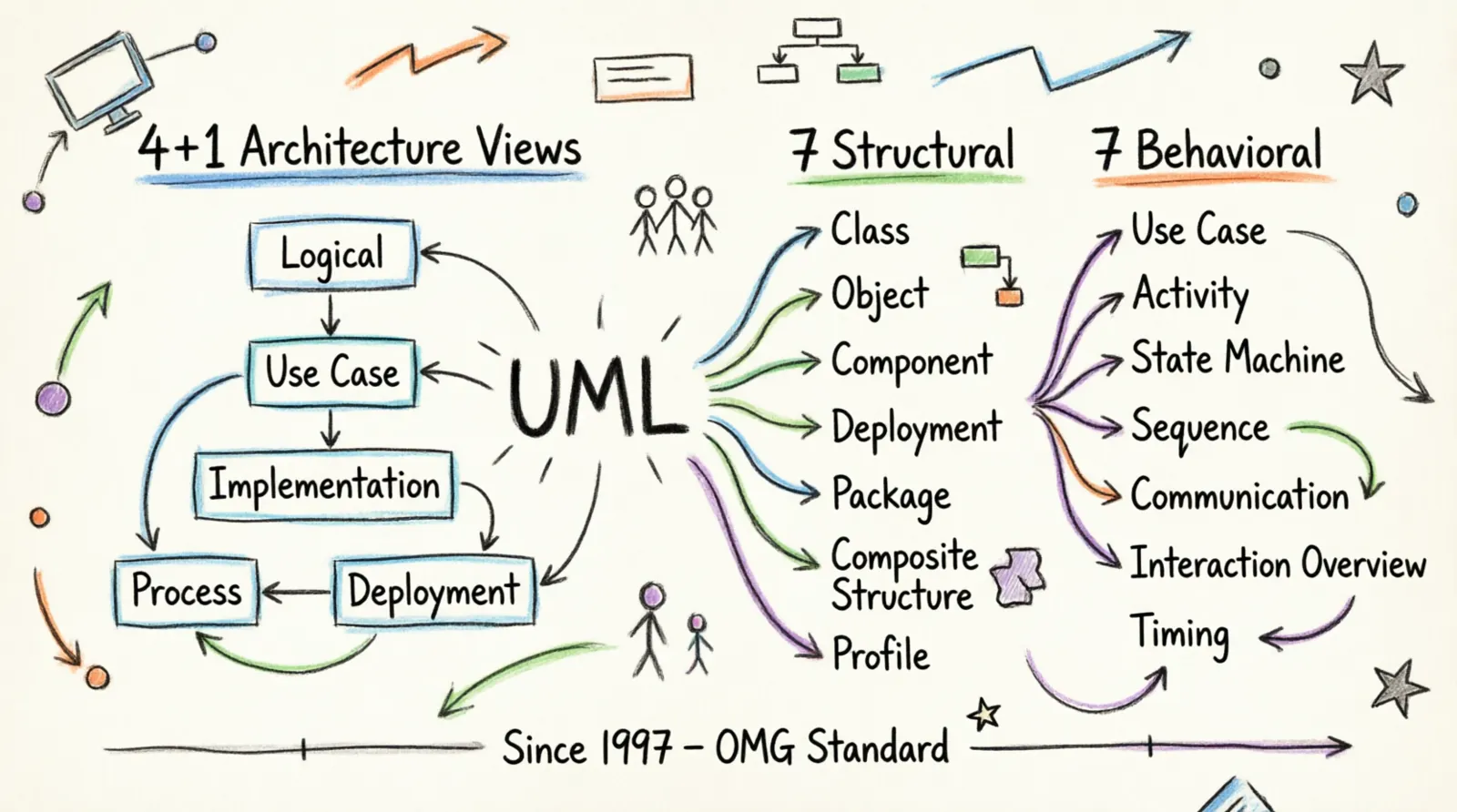
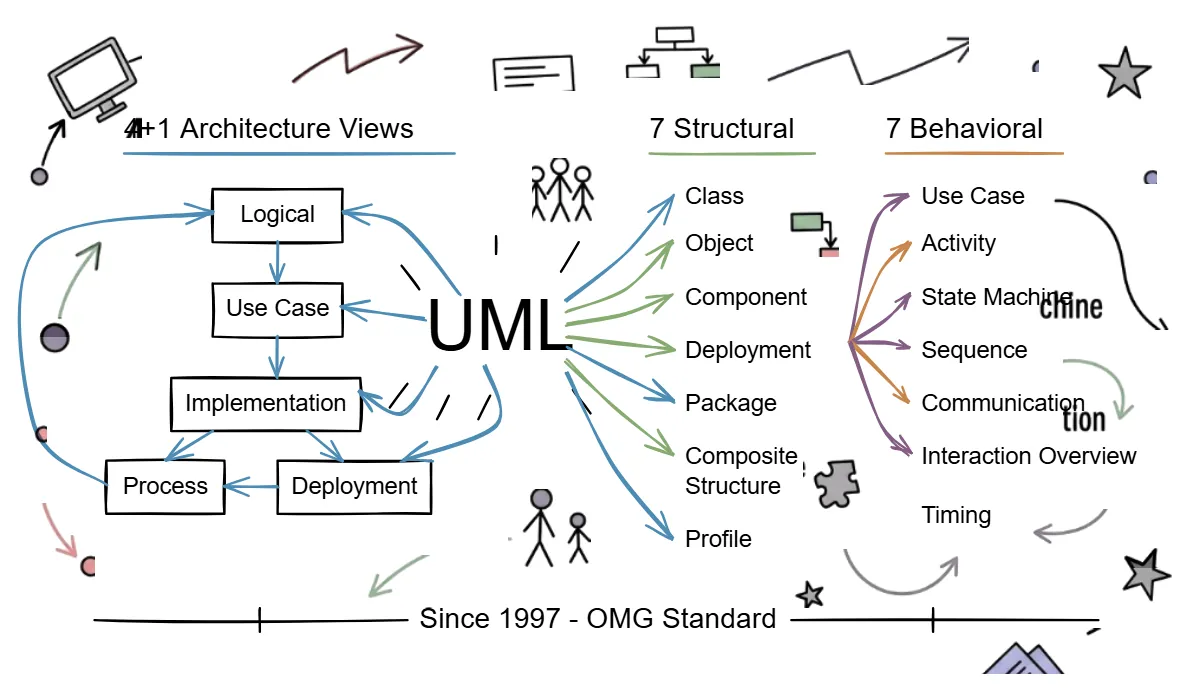
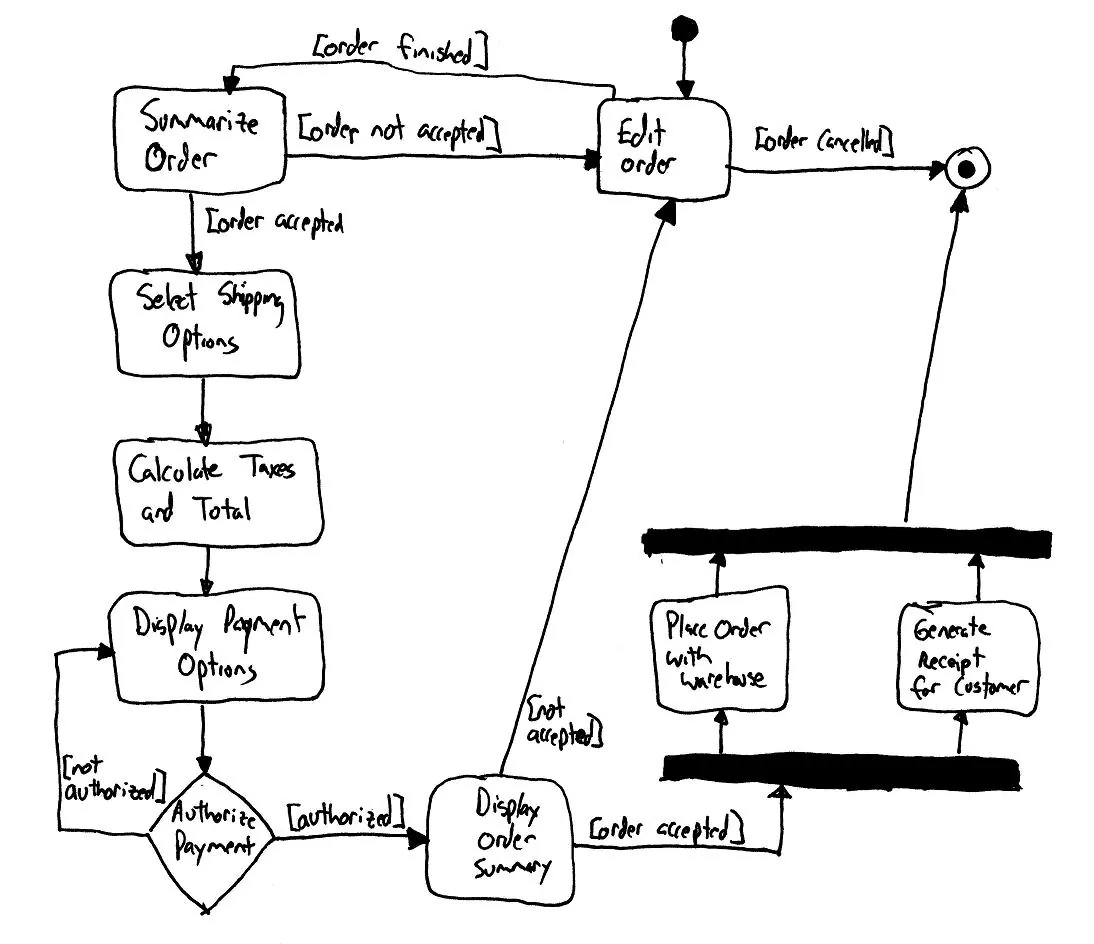
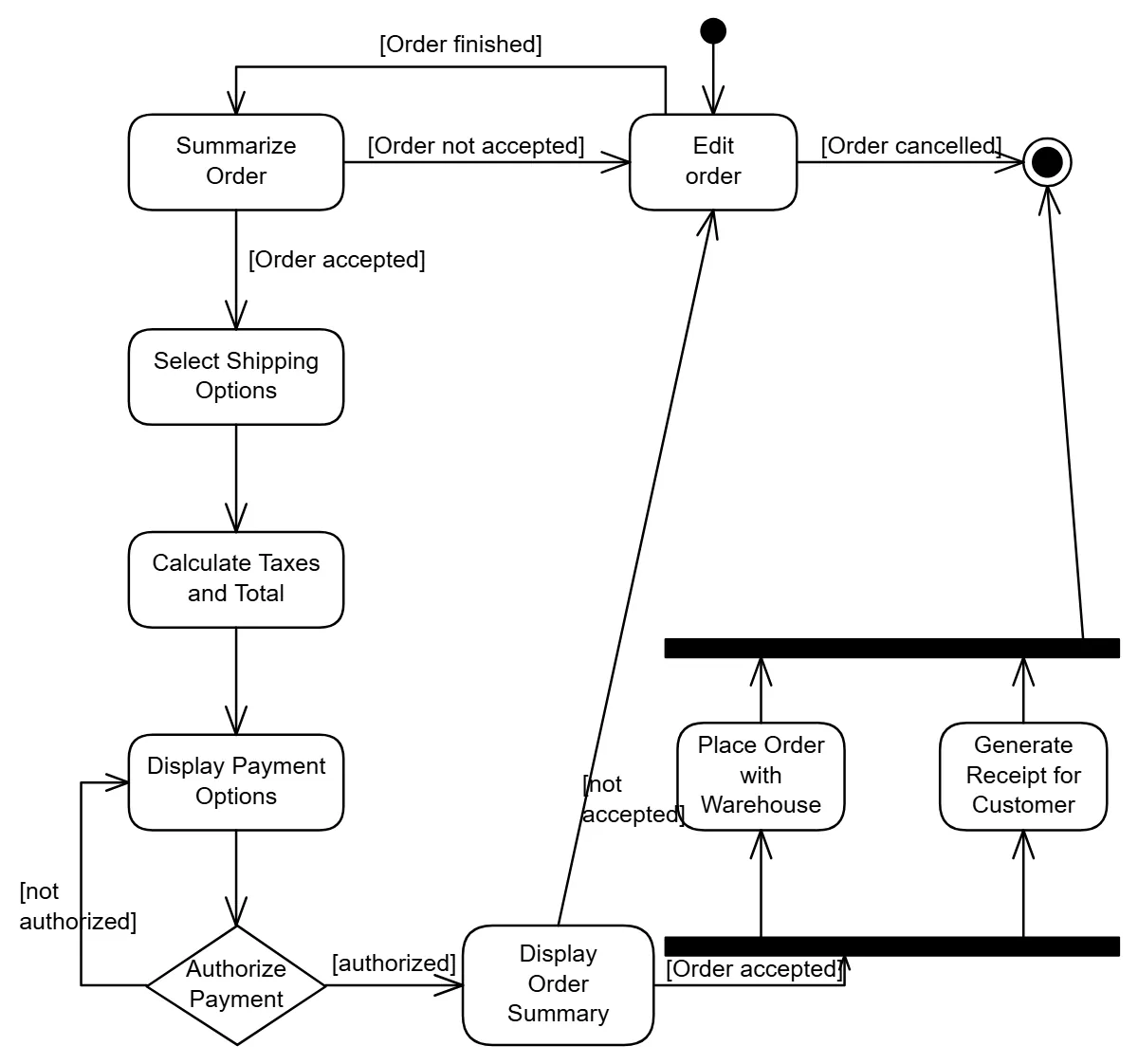
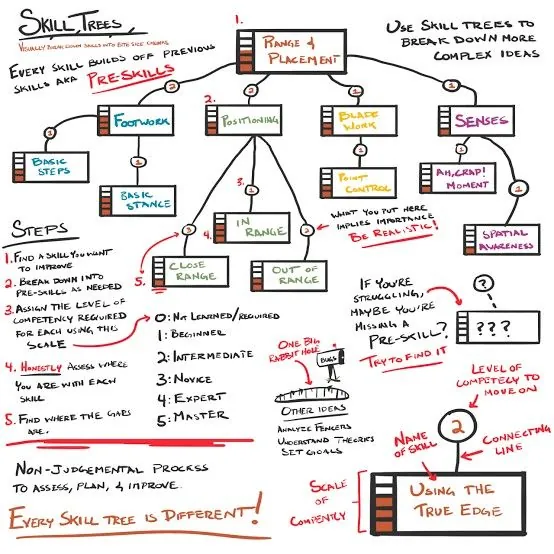
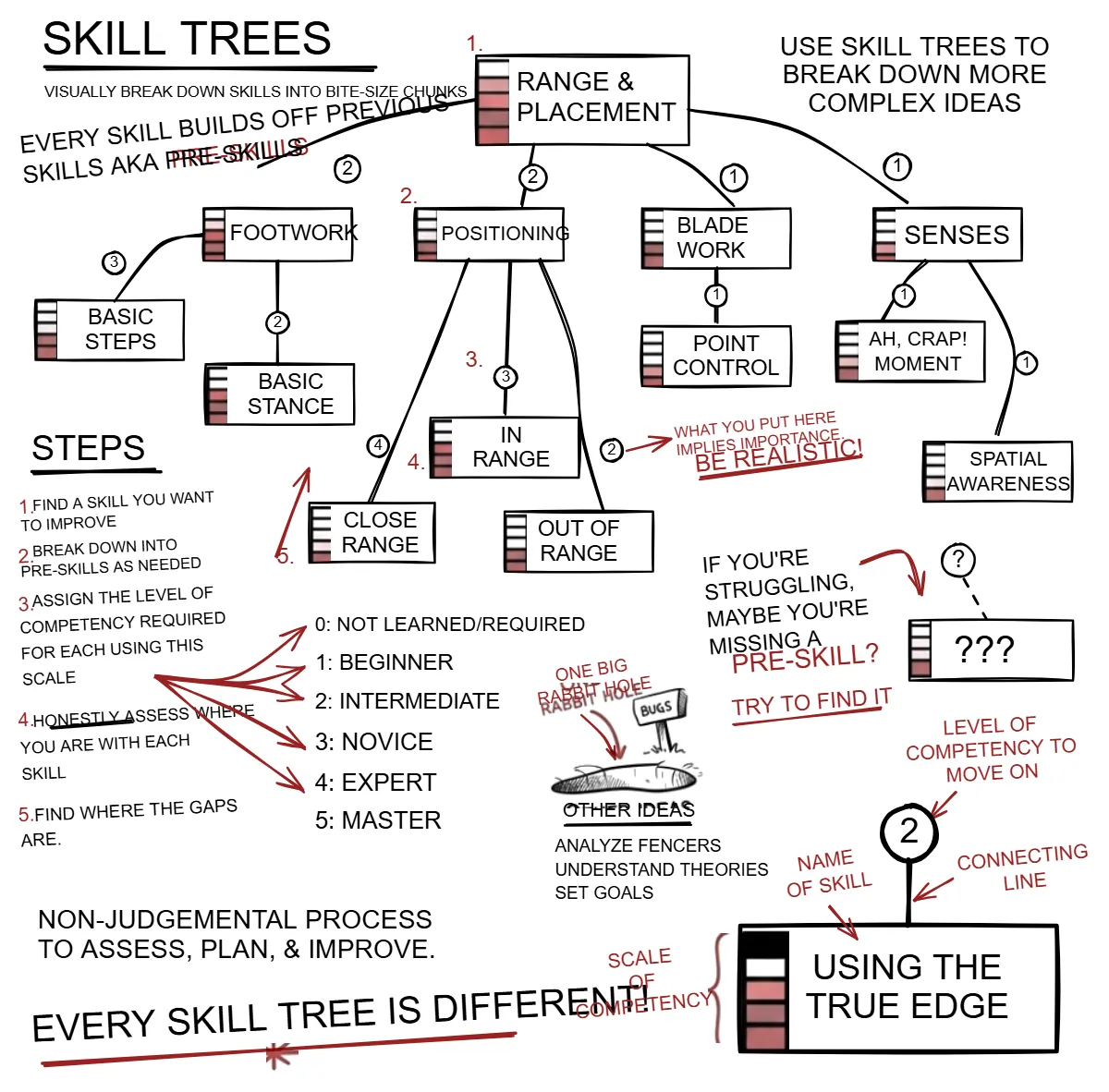
Not a picture on a canvas, and not a generic redraw.
Most ways of getting a drawing into Excalidraw end in one of two places. Either the image is dropped onto the canvas as a single locked picture you can annotate but never edit, or a converter re-vectorises it into tidy standard shapes that no longer look like the thing you drew.
SketchAlchemy reads the sketch the way a person would: this is a box, this label belongs to it, this arrow connects those two. It then rebuilds it as native Excalidraw elements in the same positions, sizes and colours. Handwriting becomes typed text, so you can search it and fix a word without redrawing anything. Small drawings that aren't shapes, such as a logo or a doodle, come back as embedded image crops rather than being dropped.
Conversion is AI-driven, so read the result before you rely on it (see the accuracy note). Anything it gets wrong is an ordinary Excalidraw object you can correct in seconds.
- Upload or paste the image. No cropping or clean-up needed.
- Choose Convert for clean captures, or Sanitize + Convert for photos taken at an angle or in poor light.
- Preview the scene and regenerate if something is off.
- Download
.excalidrawor.excalidraw.mdand keep editing.