Turn handwritten sketches into editable Excalidraw diagrams.
Upload a photo or tablet sketch. Turn it into text, shapes and arrows you can edit in Excalidraw or Obsidian.
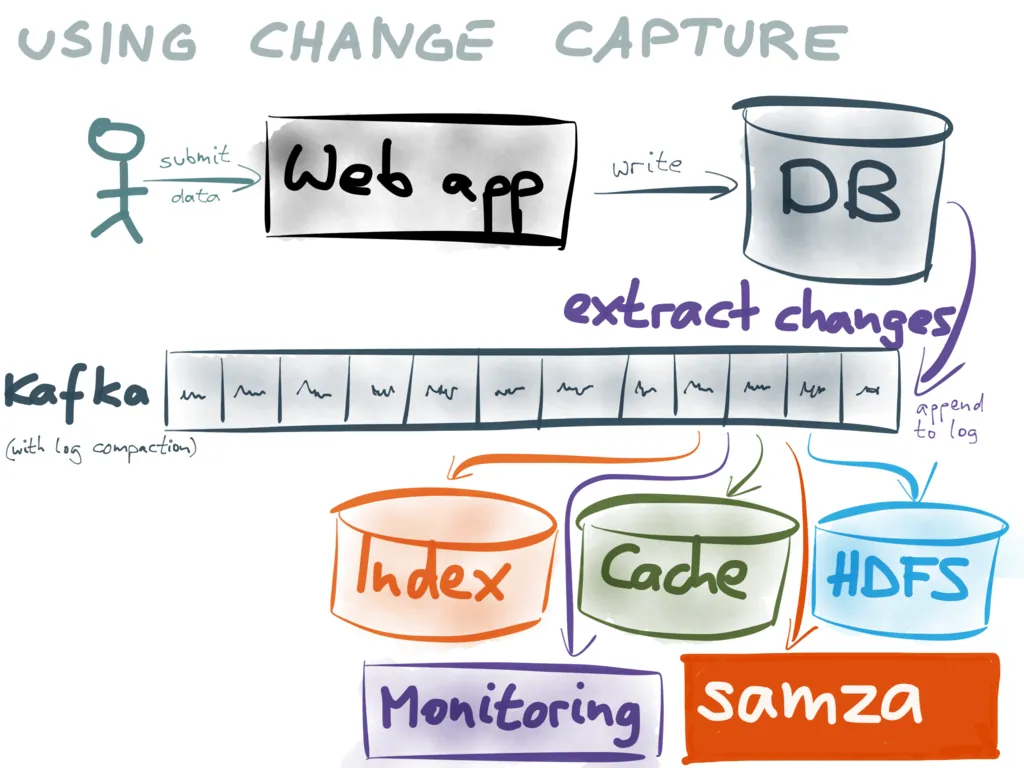
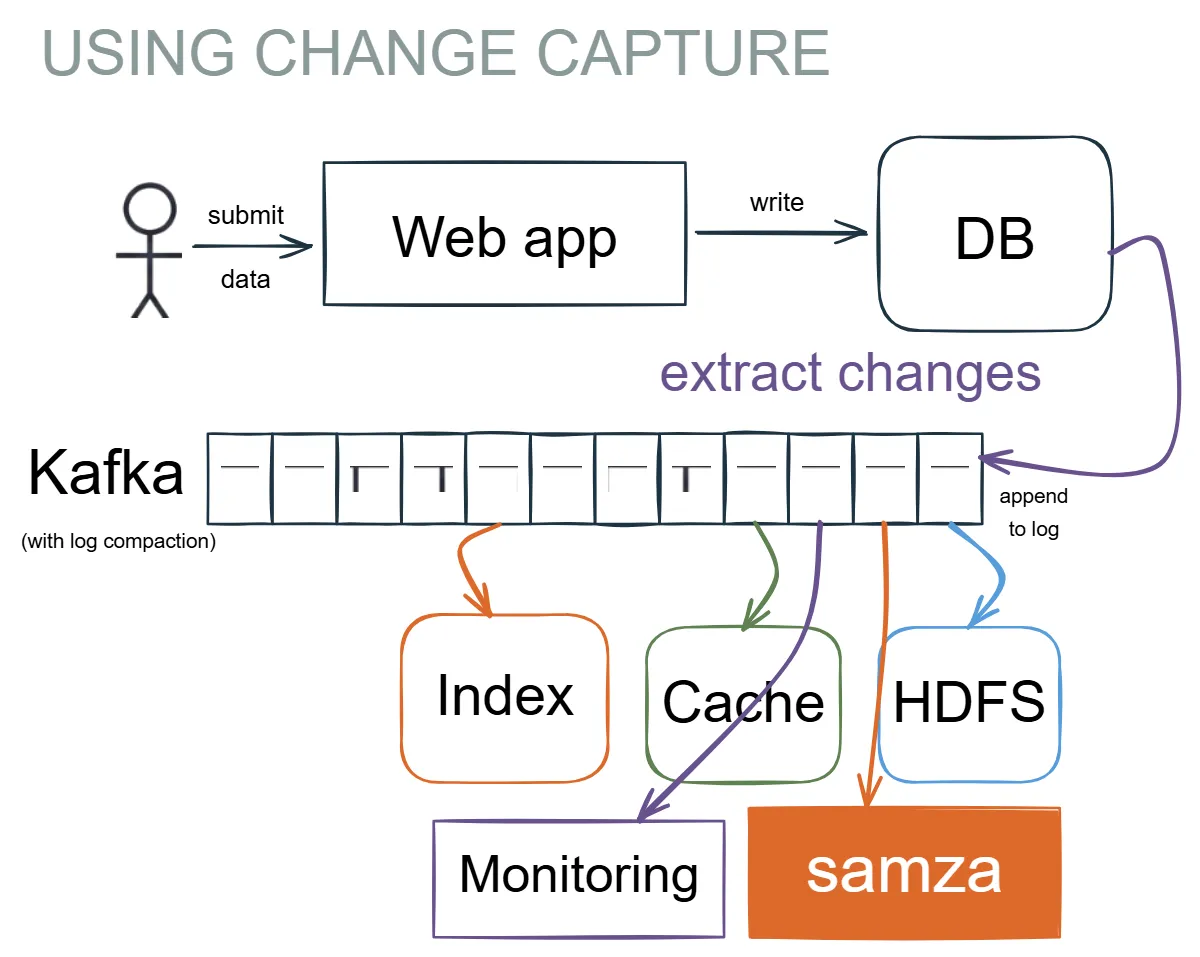
The output is real objects, not a picture.
A real converted diagram, loaded in a live Excalidraw canvas beside the sketch it came from. Drag a box, retype a label, then reset it. Nothing you do here is saved or shared.
Three steps, start to vault.
Upload your sketch
Start with a photo, scan or exported tablet drawing.
Preview the result
See your sketch converted into editable text, shapes and arrows.
Edit or export
Make changes and download your diagram for Excalidraw or Obsidian.
See all eight ways people use this →
How image to Excalidraw conversion works →
It keeps the diagram you drew.
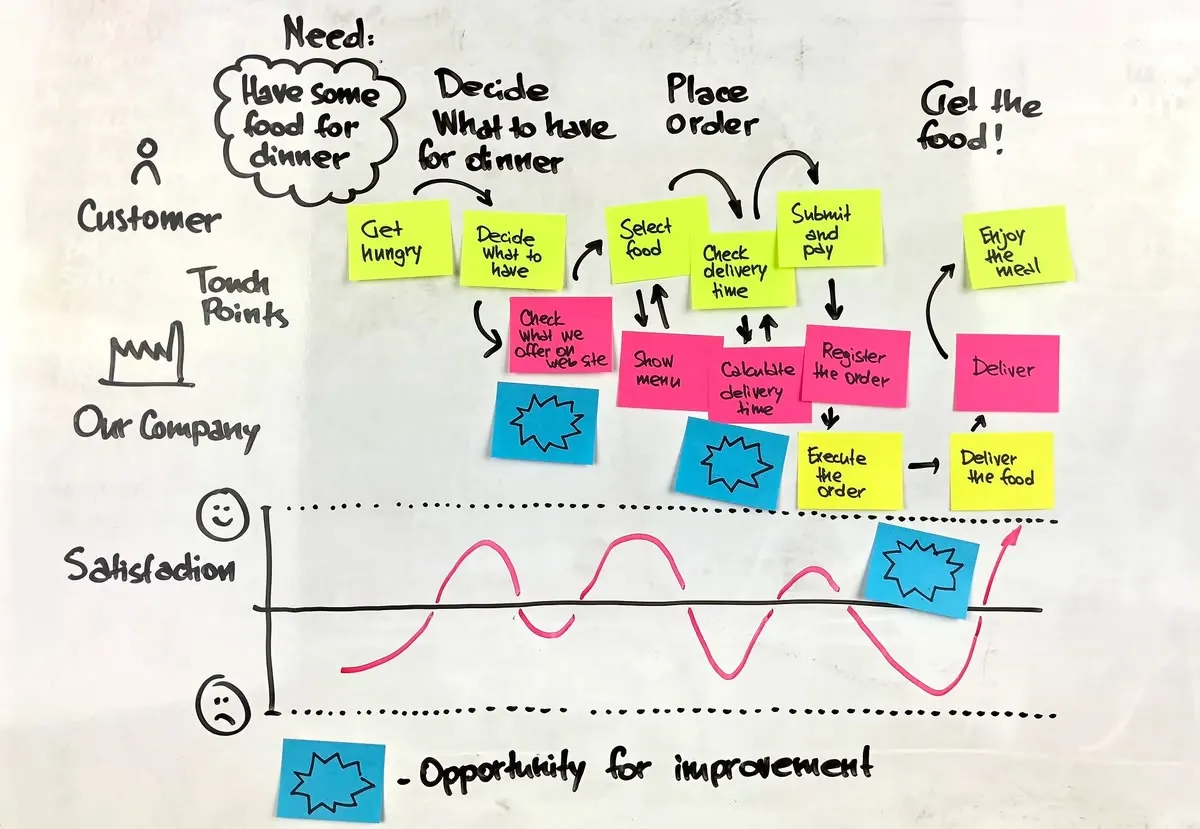
Your layout, sizing and colour — carried over.
Most tools re-vectorise a sketch into tidy but unfamiliar shapes. SketchAlchemy rebuilds it in place, so the diagram still reads like the one you drew.
- Handwriting becomes typed text in the same position and colour.
- Designed to preserve your diagram's connections.
- Small illustrations preserved as embedded crops, not dropped.
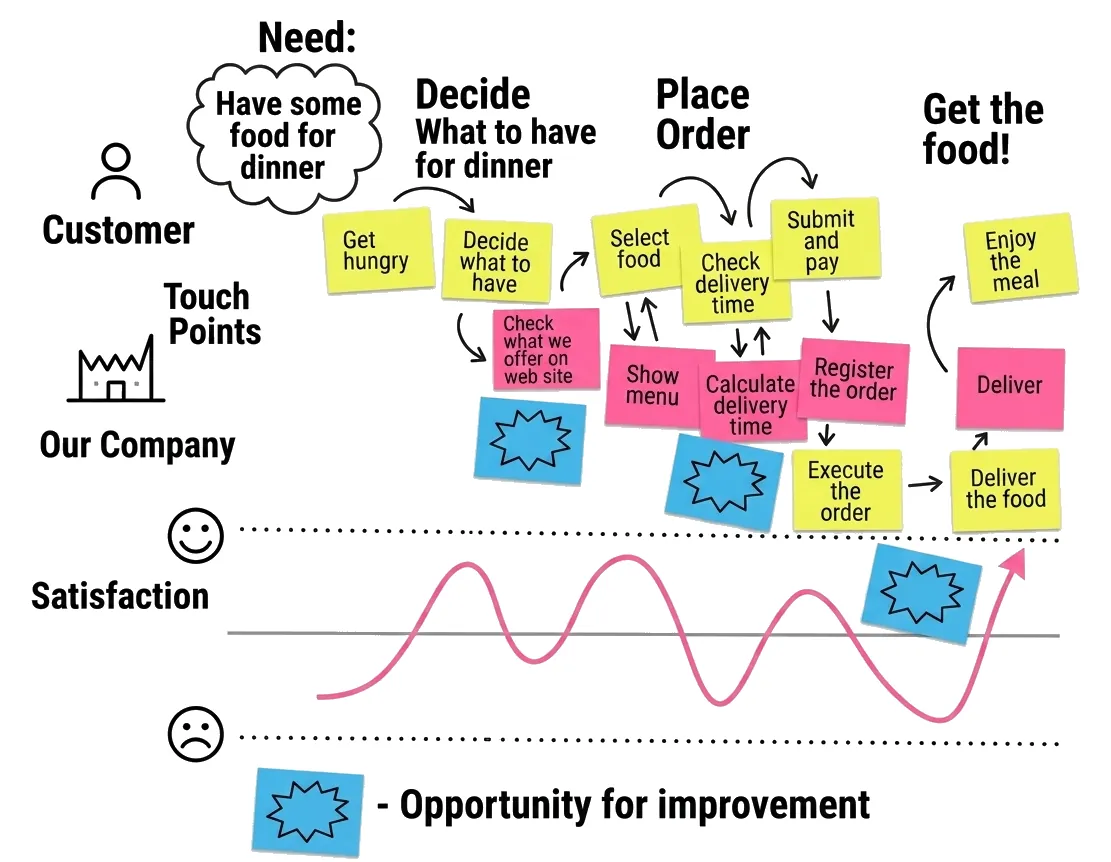
Editable objects that land in your vault.
Every box, label and arrow comes back as a real Excalidraw element you can select, move and restyle — then export where you already work.
- .excalidraw for Excalidraw, .excalidraw.md for Obsidian.
- Light and dark scenes, re-baked to read correctly in either theme.
- Preview before you download — regenerate if it isn't right.
49 real conversions, easy and hard.
Genuine captures, not cherry-picked. Original on the left, converted result on the right — download any of them.
A clean image, an editable diagram, or both.
Clean image
Deskewed and redrawn as a crisp, readable picture — handwriting becomes typed text, paper artefacts go away, your layout stays as drawn.
Editable diagram
Real shapes, text and arrows you can move, restyle and extend in Excalidraw or Obsidian.
Both
Clean the image and convert it to an editable diagram in a single pass.
Try it free. Pay for what you process.
Every new account starts with $3.00 of trial credit and no credit card. A clean-image pass costs about $0.25 in credit and a full conversion about $1.00, so the trial covers roughly three full conversions — you always see the estimate before a job runs.
No subscription needed — top up any time with prepaid credits that never expire.
Conversion cost varies with how much is on the page, so the number of trial conversions varies too.
Stop re-drawing
your whiteboard.
Bring a photo, a scan or a tablet export. Leave with a diagram you can edit in Excalidraw or Obsidian.